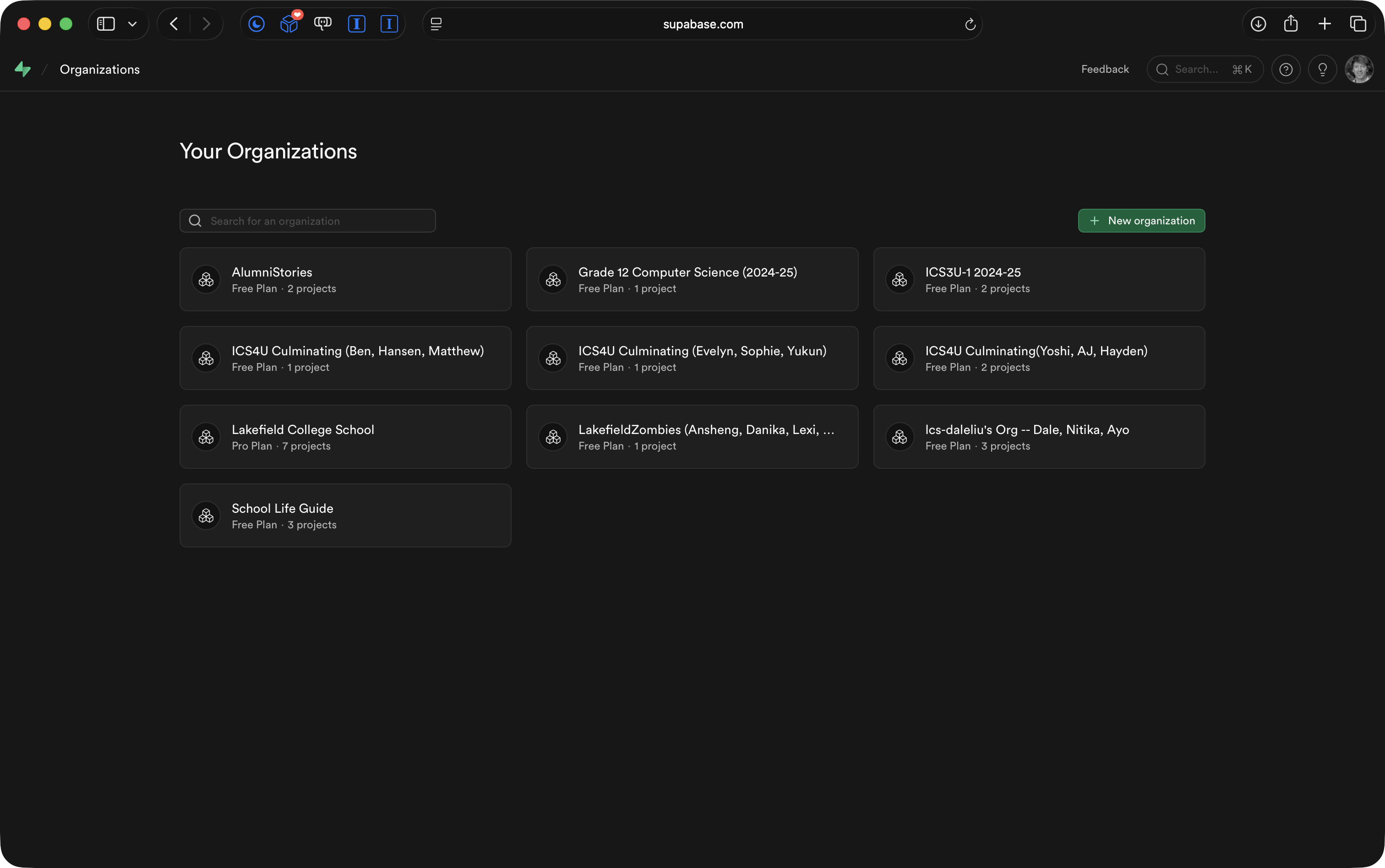
One member of your group should go to their Supabase Organizations page:
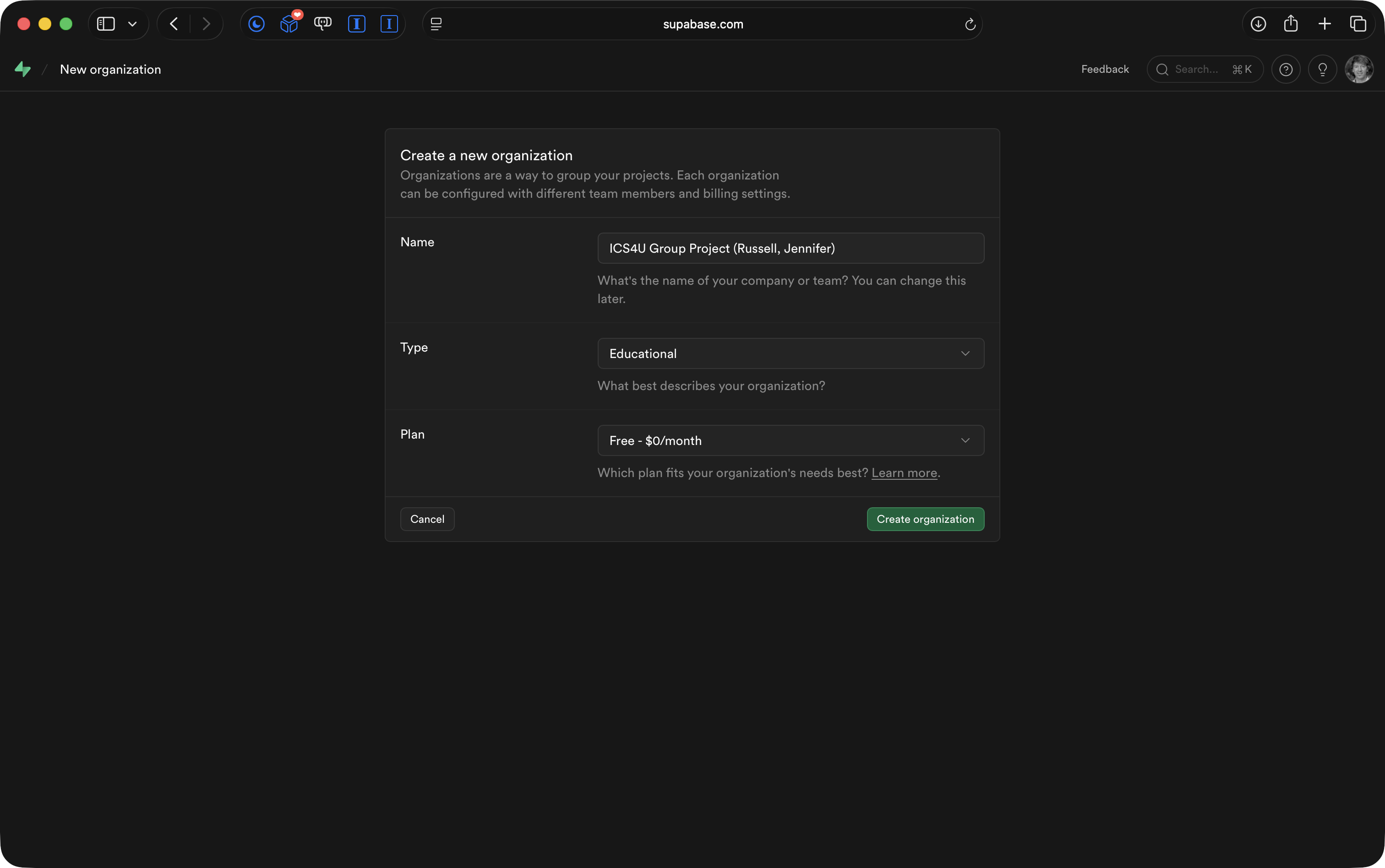
Create a new organization using these values, replacing the names shown with your own group member’s names:
On the next page, fill in values shown here, again replacing the project name with your own project’s name:
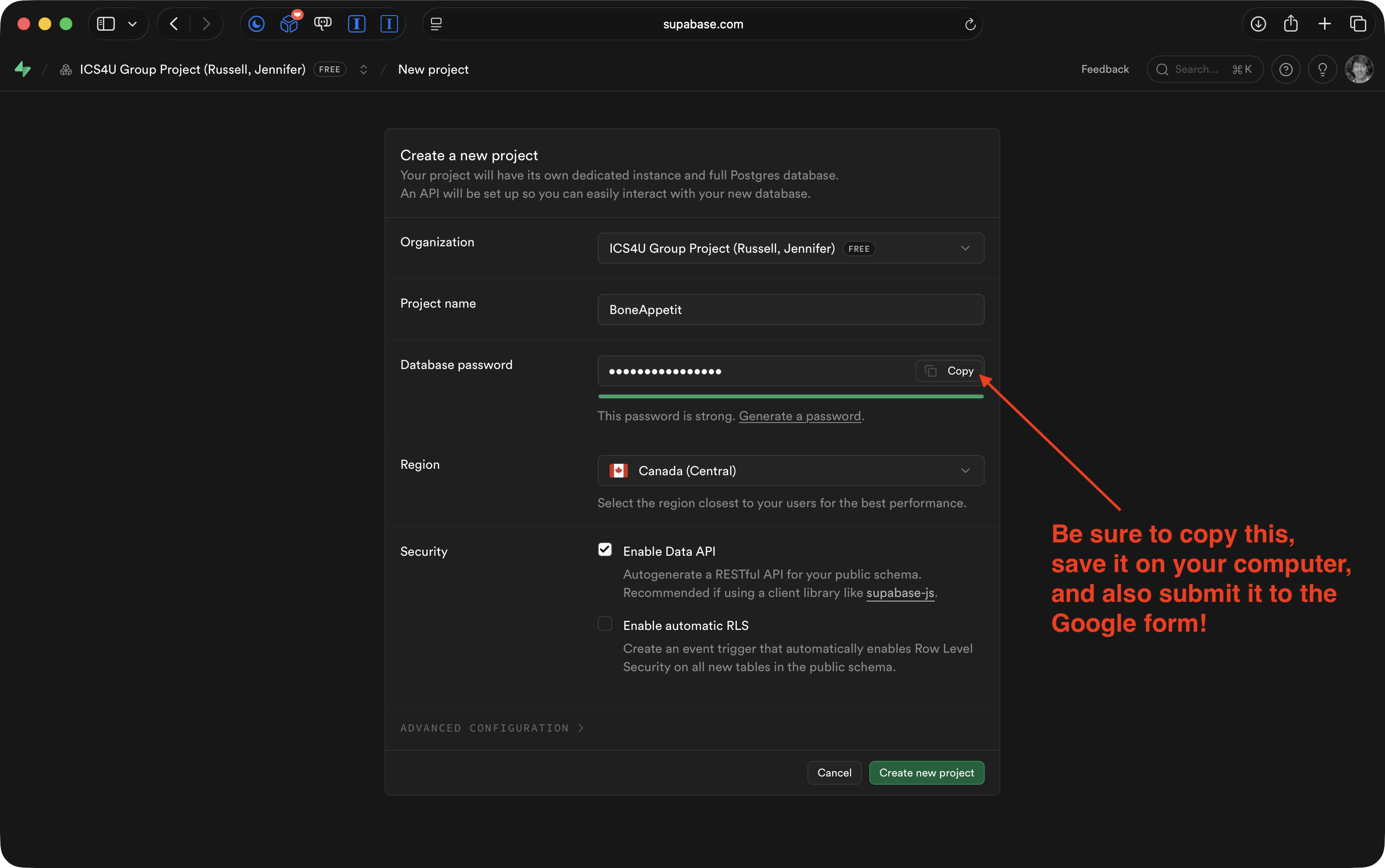
IMPORTANT
Use the Supabase interface to generate a database password, then:
- Take note of the password, saving it in a safe place on your computer, such as a password manager app.
- Submit the password for your group’s database to this Google form created by Mr. Gordon. This will help him, if needed, assist your group in the future.
Now, take a clear photo of the ER diagram your group made yesterday.
Use a prompt, adapted from the one Mr. Gordon used to create the Electric Ride app exemplar, to have a large language model use your ER diagram photo to create the SQL needed to build your database.
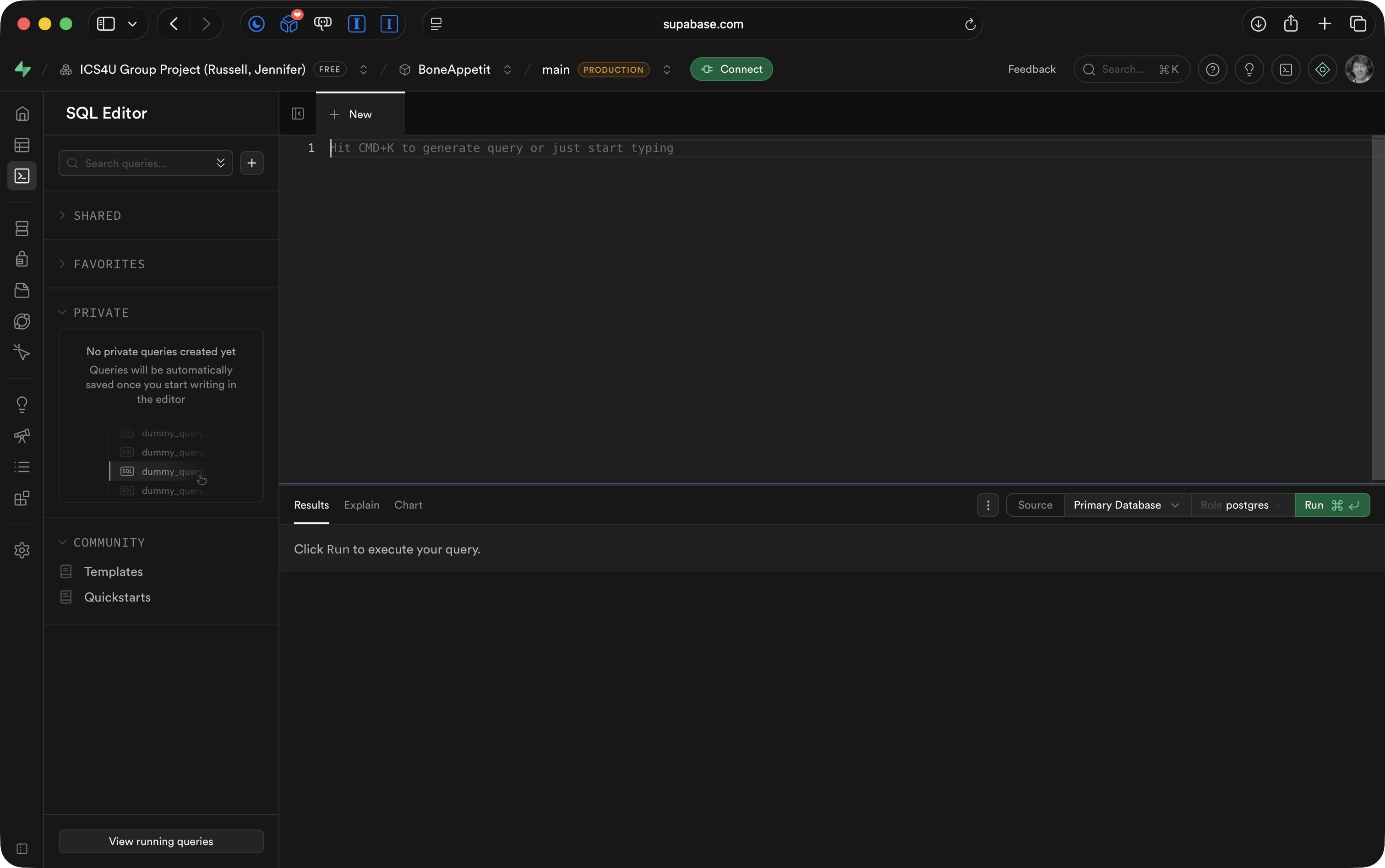
Then, use the SQL Editor panel in your group’s database to run the resulting SQL:
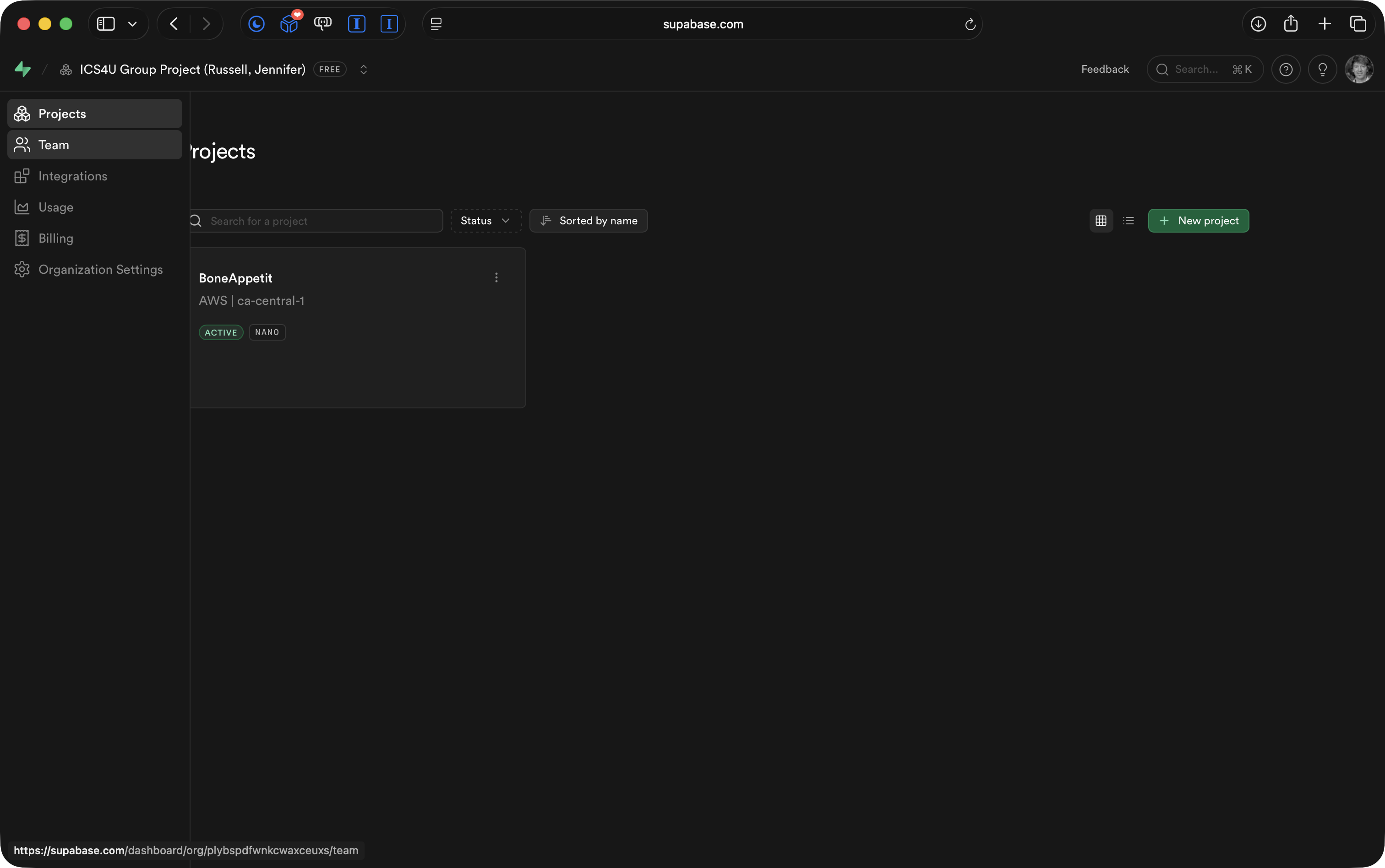
Finally, navigate back to your organization’s home page:
Then go to the Team panel:
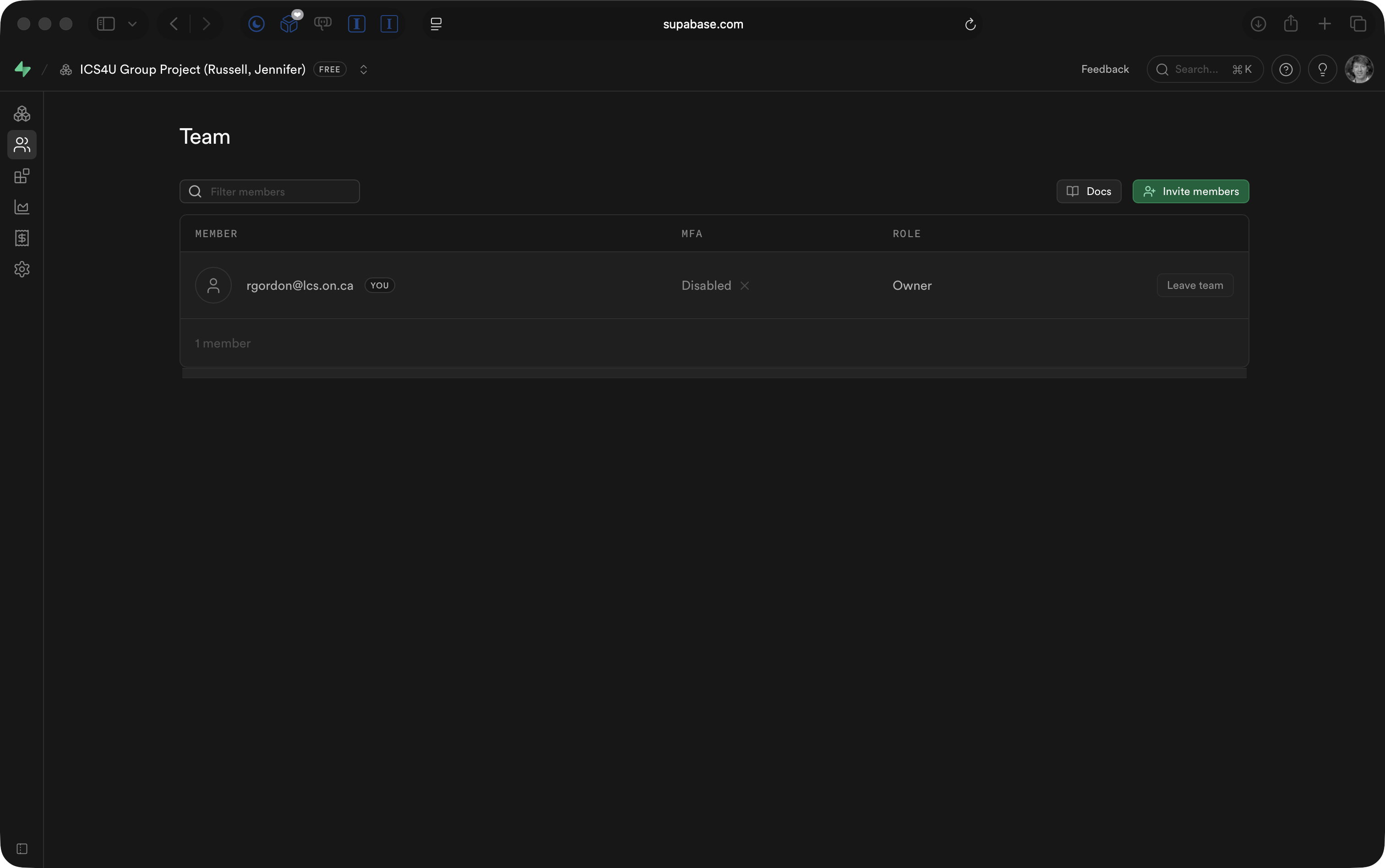
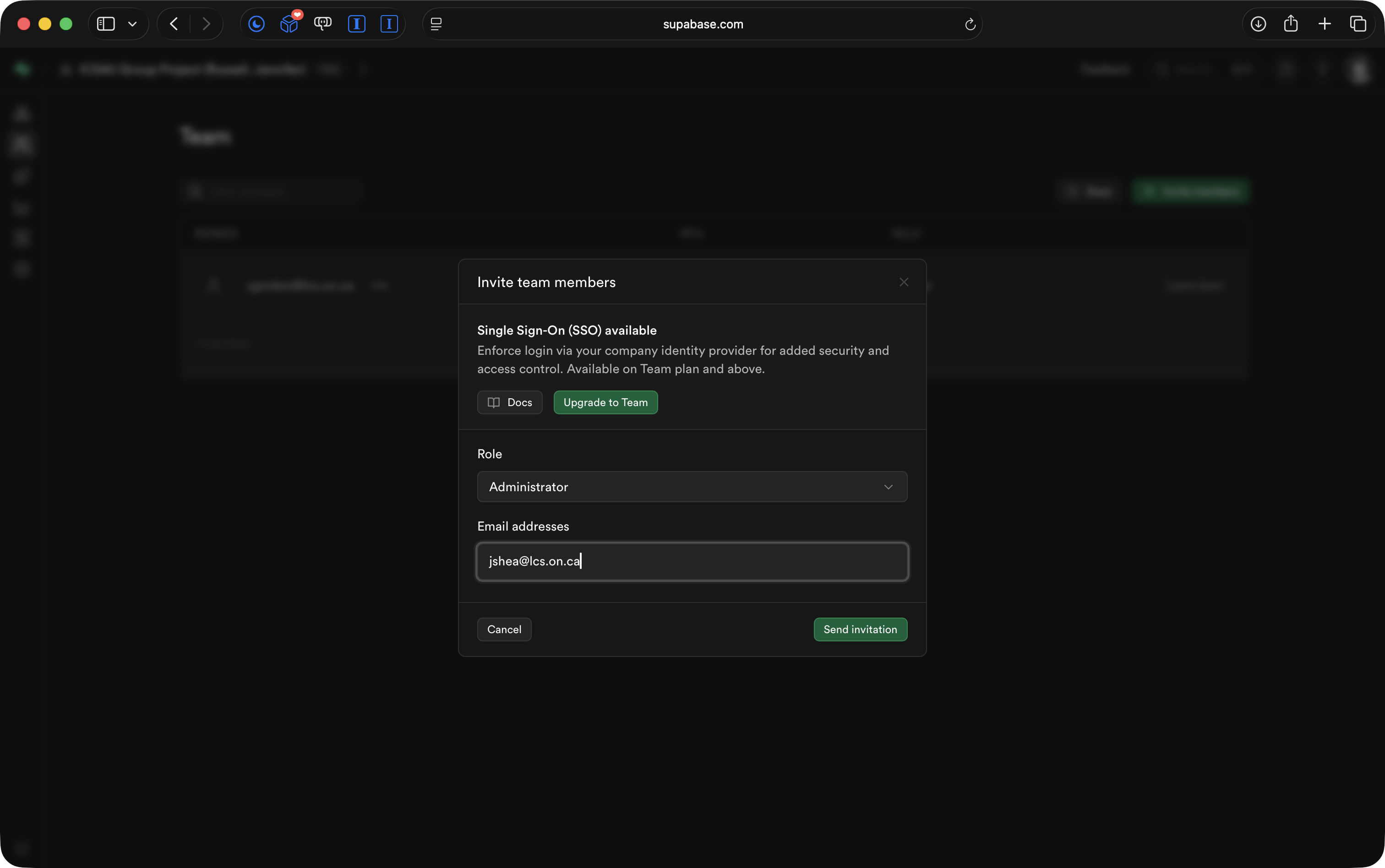
Invite member of your team to the organization as an administrator, as well as Mr. Gordon: