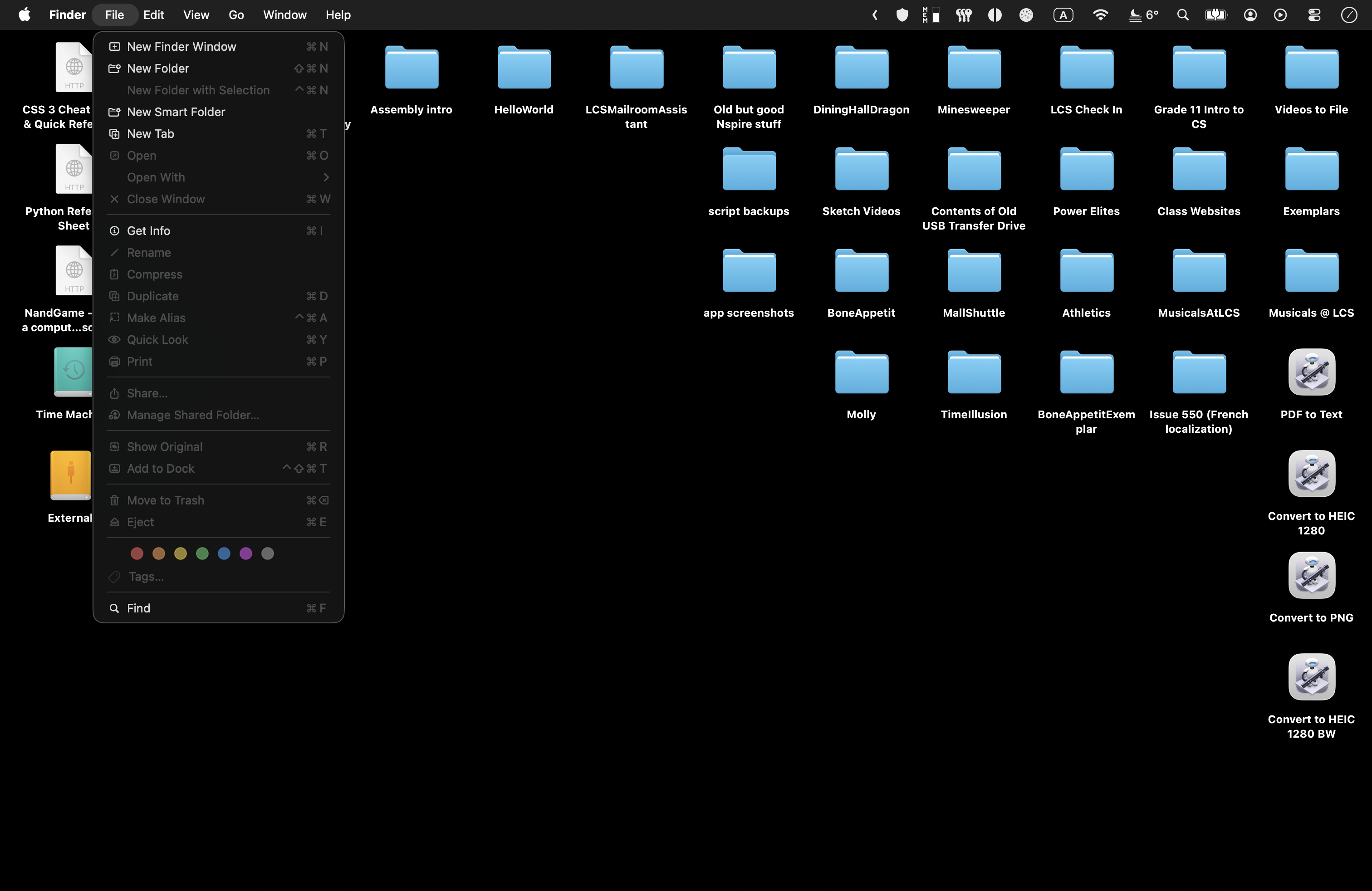
You are used to navigating your computer using a point-and-click graphical user interface, or GUI:
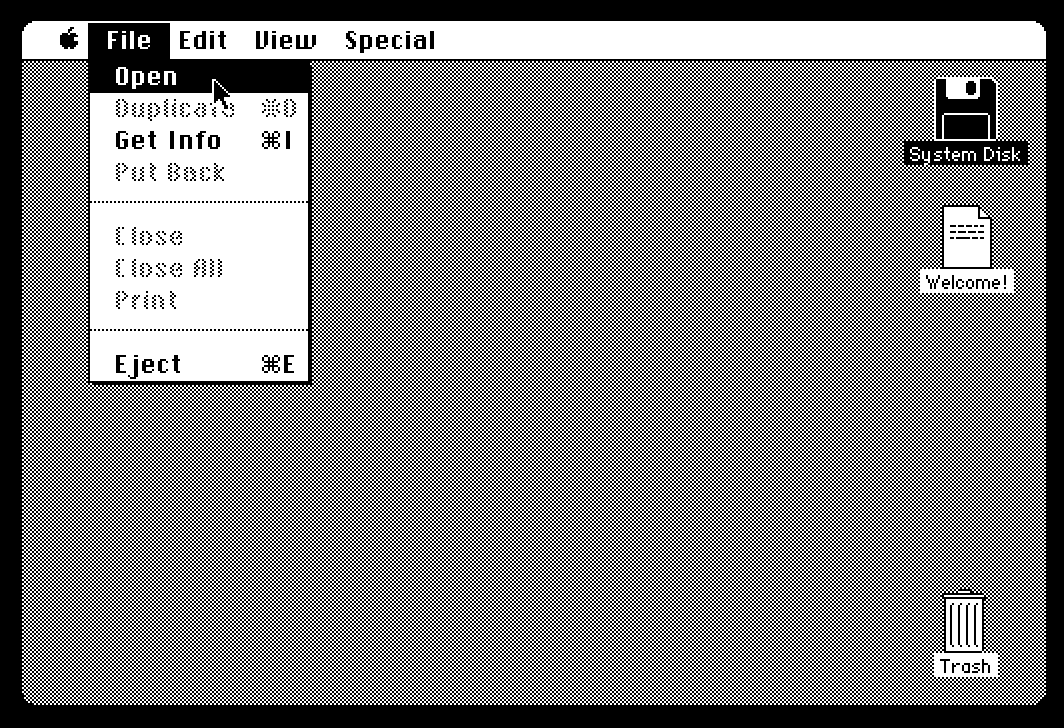
This is a user interface paradigm that, while not invented by the original Macintosh team at Apple, was first popularized by the Mac in 1984:
TIP
If you’re curious and want to literally try out the interface of an early Mac, right from your web browser, interactively, then visit the amazing Infinite Mac site.
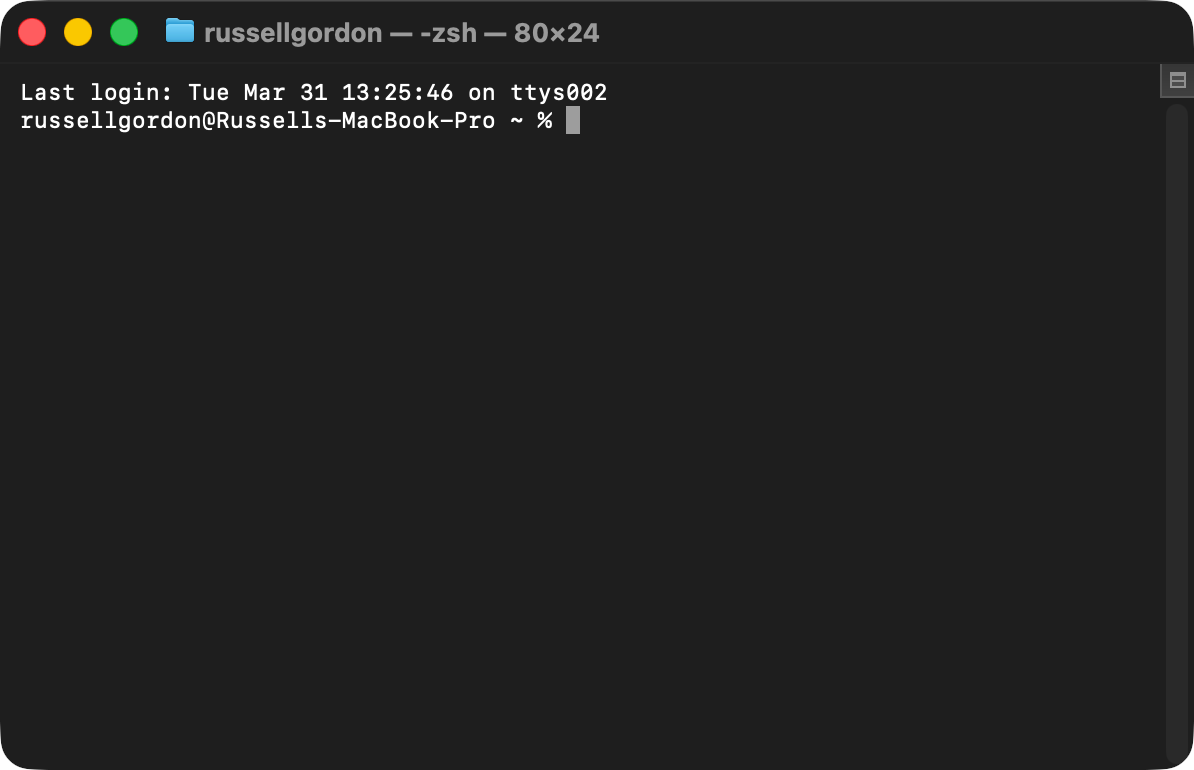
This lesson is focused on learning how to control your Mac using the command line:
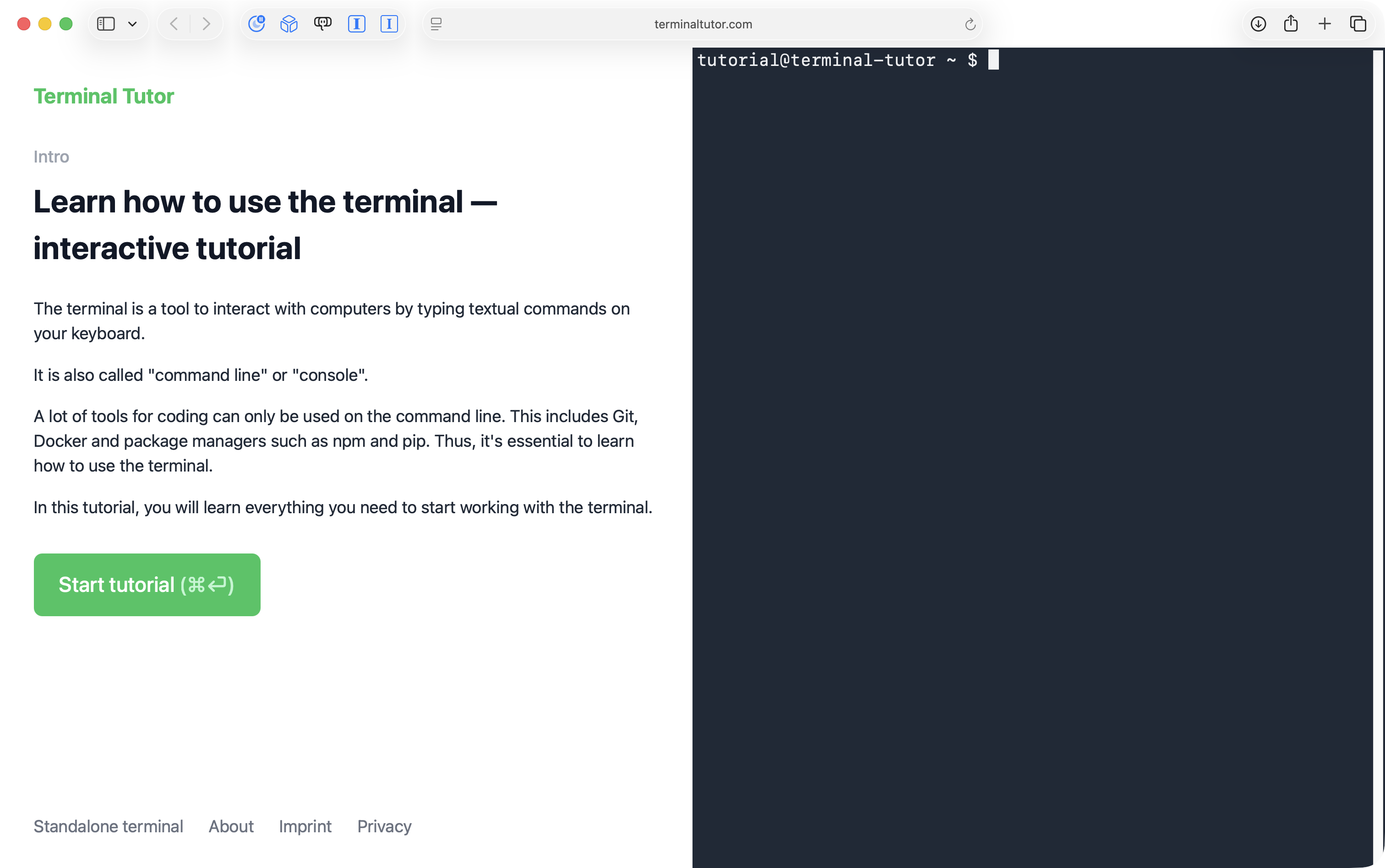
Terminal Tutor is an well-made interactive site to teach you the basics of how to navigate the command line:
Mr. Gordon can’t metaphorically (or literally, sorry) “hold your hand” while you navigate the command line to complete upcoming work on the student-led group software projects.
So, take time now to become more comfortable with what the command line interface to a computer is, and how it works.
IMPORTANT
Document your progress by sharing screenshots of a few key exercises from the beginning, middle, and end of the two tutorials that Terminal Tutor offers in your portfolio on Notion. It likely will not take you as long as the estimates given to complete each tutorial.